If your Shopify store is getting traffic but not enough sales, you are not alone. Many online stores reach a point where ads keep running, visitors keep arriving, and conversions stall. A low conversion rate usually has nothing to do with demand. It almost always comes down to site performance, trust signals, usability, and maintenance gaps that quietly block customers from checking out.
So, here’s how to diagnose and fix a low Shopify conversion rate quickly. The focus is practical, evidence based, and designed to support traffic coming from Google Ads.
What Is a Good Shopify Conversion Rate?
Before fixing anything, it helps to understand what “low” actually means.
Across ecommerce, average conversion rates typically sit between 1.5 and 3%. High performing Shopify stores often exceed 3%, especially when paid traffic lands on well-maintained pages built for intent.
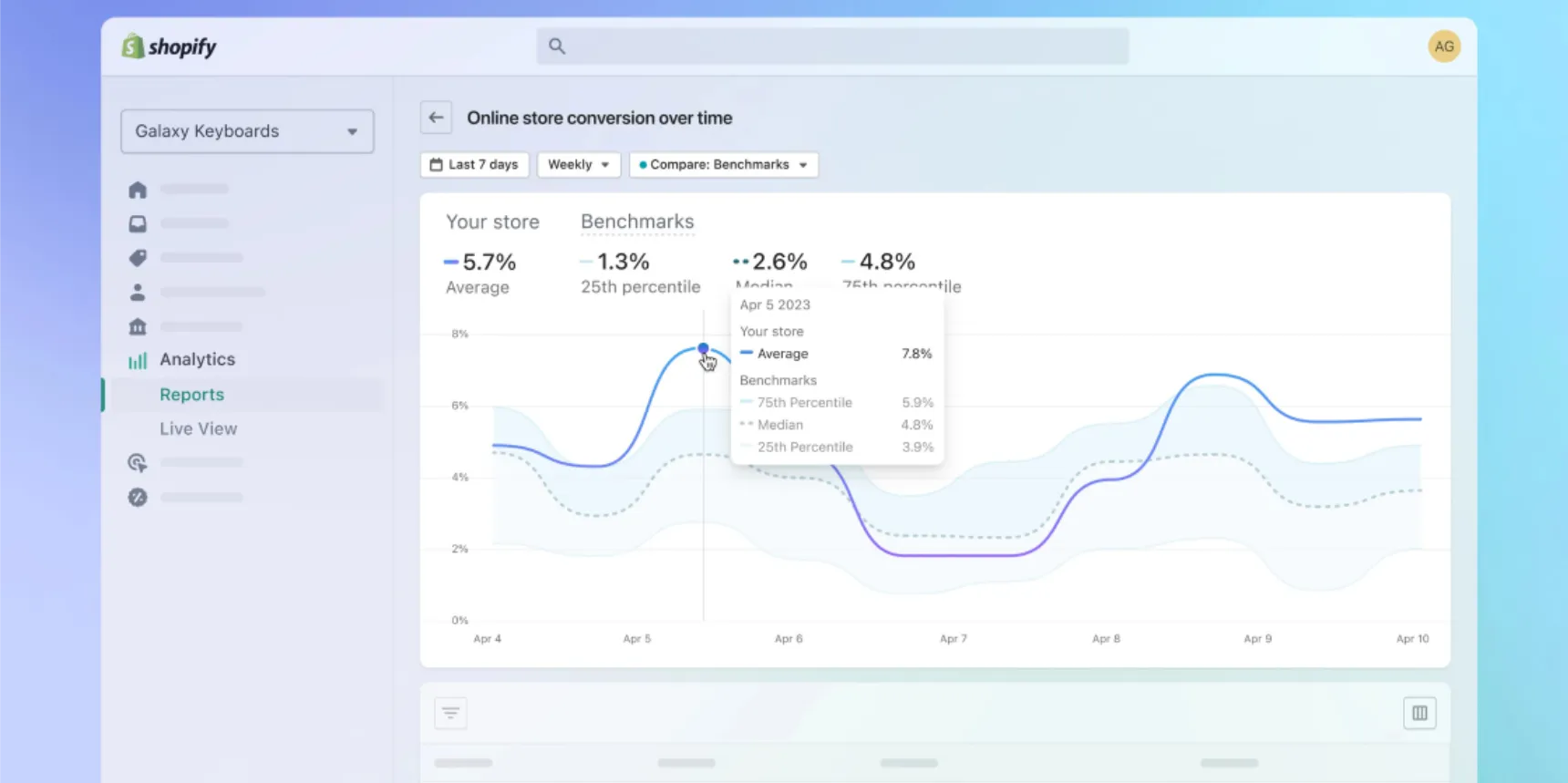
If your store converts under 1 percent, that is a clear signal something is broken. If it sits between 1 and 2%, improvement is usually achievable without increasing ad spend. Small gains compound quickly. Lifting conversion rate from 1.2 to 2% can nearly double revenue from the same traffic.
Why Shopify Conversion Rates Drop Over Time
Most Shopify conversion issues are not caused by a single change. They build up slowly.
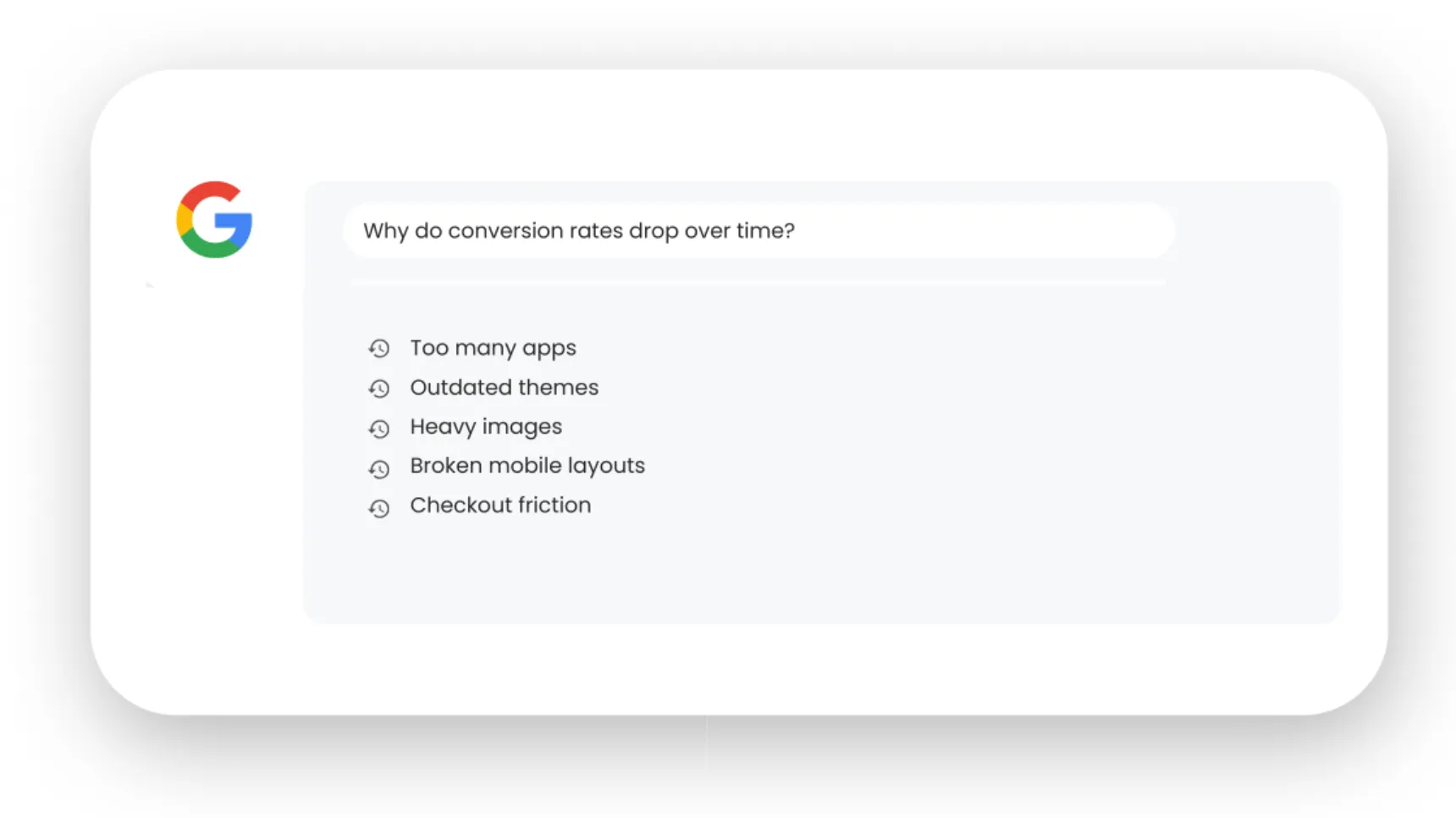
Apps get installed and never removed. Themes receive updates but custom code does not. Product pages expand without structure. Images increase in size. Checkout flows get cluttered. None of these feel urgent on their own, but together they slow the site and confuse buyers.
Common causes include:
- Page speed degradation from unused apps and scripts
- Broken or outdated theme elements
- Poor mobile experience
- Checkout friction or payment issues
- Mismatch between ads and landing pages
- Missing trust signals
- Product pages that answer too few questions
Website maintenance is not optional for conversion driven stores. It is part of sales performance.
GET EXPERT HELP FOR ONLY $79 PER MONTH
Speed Is the First Fix You Should Make
Page speed has a direct impact on conversion rate. Multiple studies show that something as small as a 1 second delay can reduce conversions by up to 13%. For paid traffic, the impact is even stronger because users arrive with intent and low patience.
Start by testing your homepage and key product pages using PageSpeed Insights and Shopify’s built in speed reports. Focus on mobile results first, as most Shopify traffic now comes from mobile devices.
Quick speed fixes that deliver fast wins:
- Remove unused Shopify apps
- Disable third party scripts that do not support sales
- Compress large images and banners
- Reduce custom fonts and animations
- Update your theme to the latest version
Speed problems often come back over time. This is why ongoing maintenance matters more than one off fixes.
Align Google Ads Traffic With the Right Landing Pages
A high intent Google Ads click should never land on a generic page. If your ads promise a specific product, solution, or offer, your landing page must deliver that immediately.
Conversion rates drop when users feel lost or misled.
Check for these common mistakes:
- Ads linking to collections instead of product pages
- Messaging in ads that does not match page headlines
- Promotions mentioned in ads but not visible on arrival
- Slow loading pages for paid traffic
Dedicated landing pages often outperform standard product pages, especially for campaigns focused on a single product or category.
Every click from Google Ads costs money. The page it lands on should work just as hard.
Fix Mobile Experience Before Desktop
Many Shopify stores still optimise for desktop first. That is a mistake.
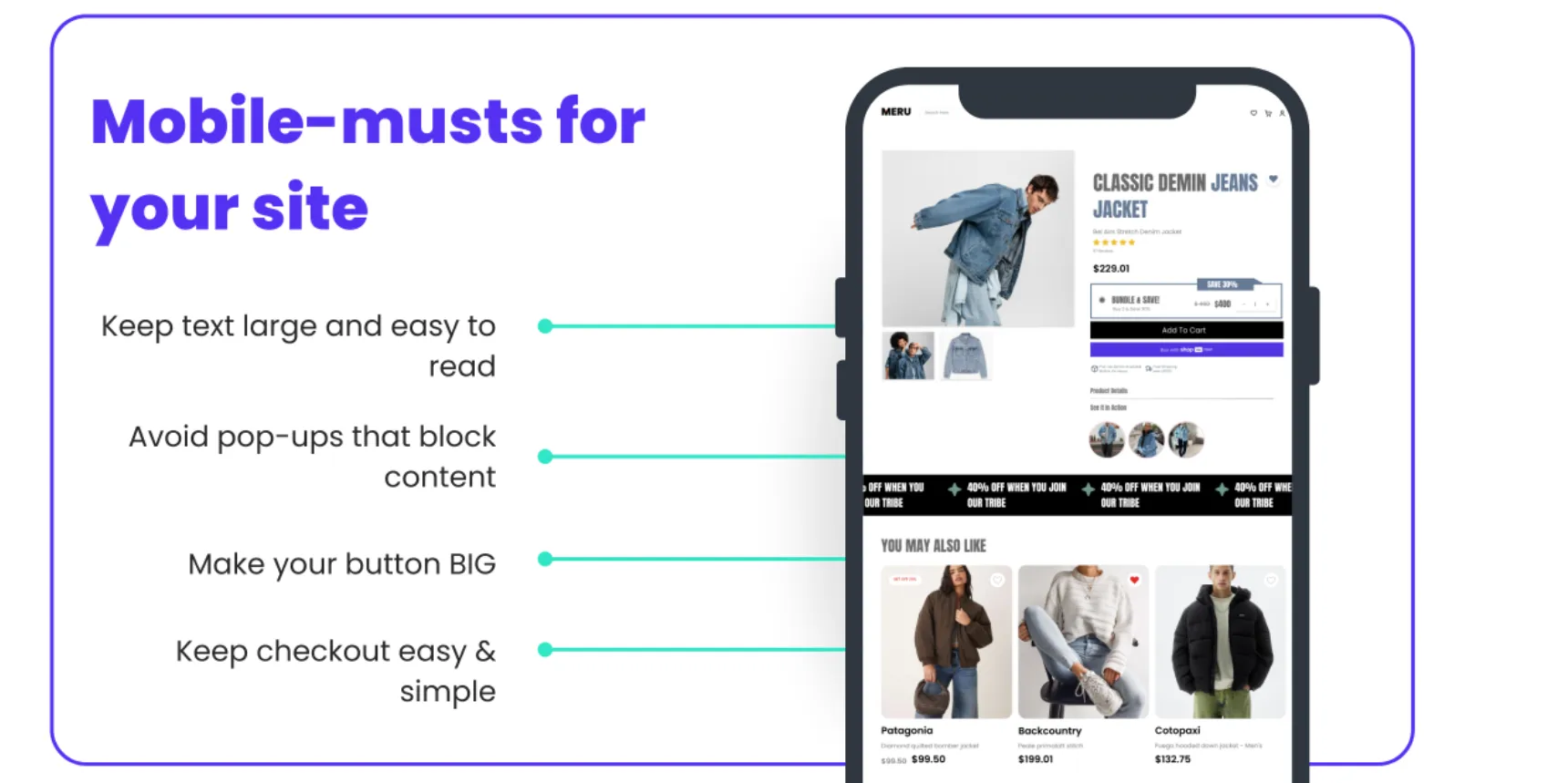
Mobile users behave differently. They scroll faster, skim content, and abandon quickly if something feels off. Small mobile issues can destroy conversion rates without being obvious on desktop.
Check your store on multiple mobile devices and look for:
- Buttons that are hard to tap
- Text that feels cramped or too small
- Pop ups that block content
- Slow image loading on mobile data
- Checkout fields that are difficult to complete
Mobile optimisation is not about design trends. It is about reducing effort. Every extra tap lowers conversion.
Simplify the Checkout Experience
Checkout friction is one of the most common conversion killers on Shopify.
Even small barriers matter. Forced account creation, too many form fields, or unclear shipping costs can push users away at the final step.
Best practice checkout improvements include:
- Enable guest checkout
- Offer multiple payment methods including digital wallets
- Display shipping costs early
- Remove unnecessary fields
- Ensure checkout loads fast on mobile
Shopify’s native checkout performs well when left clean and simple. Over customisation often hurts more than it helps.
Build Trust Where Buyers Need It Most
Trust is not built with one badge at the footer. It is built throughout the buying journey.
When visitors arrive from Google Ads, they often do not know your brand. They need reassurance before they buy.
Effective trust signals include:
- Clear returns and shipping policies
- Real customer reviews near buy buttons
- Contact details that are easy to find
- Secure payment indicators
- Professional design with consistent branding
Trust should appear at the point of decision, not hidden on a separate page.
Strengthen Product Pages With Clear Information
A product page should answer every question a buyer might have before they need to ask it.
Low conversion rates often trace back to product pages that rely too much on images and too little on clarity.
High converting product pages include:
- Clear value focused headlines
- Scannable descriptions with benefits
- Accurate sizing, materials, or specifications
- High quality images with context
- FAQs that remove doubt
Avoid vague copy. Be specific. Specific information reduces hesitation.
Remove Distractions That Compete With Conversion
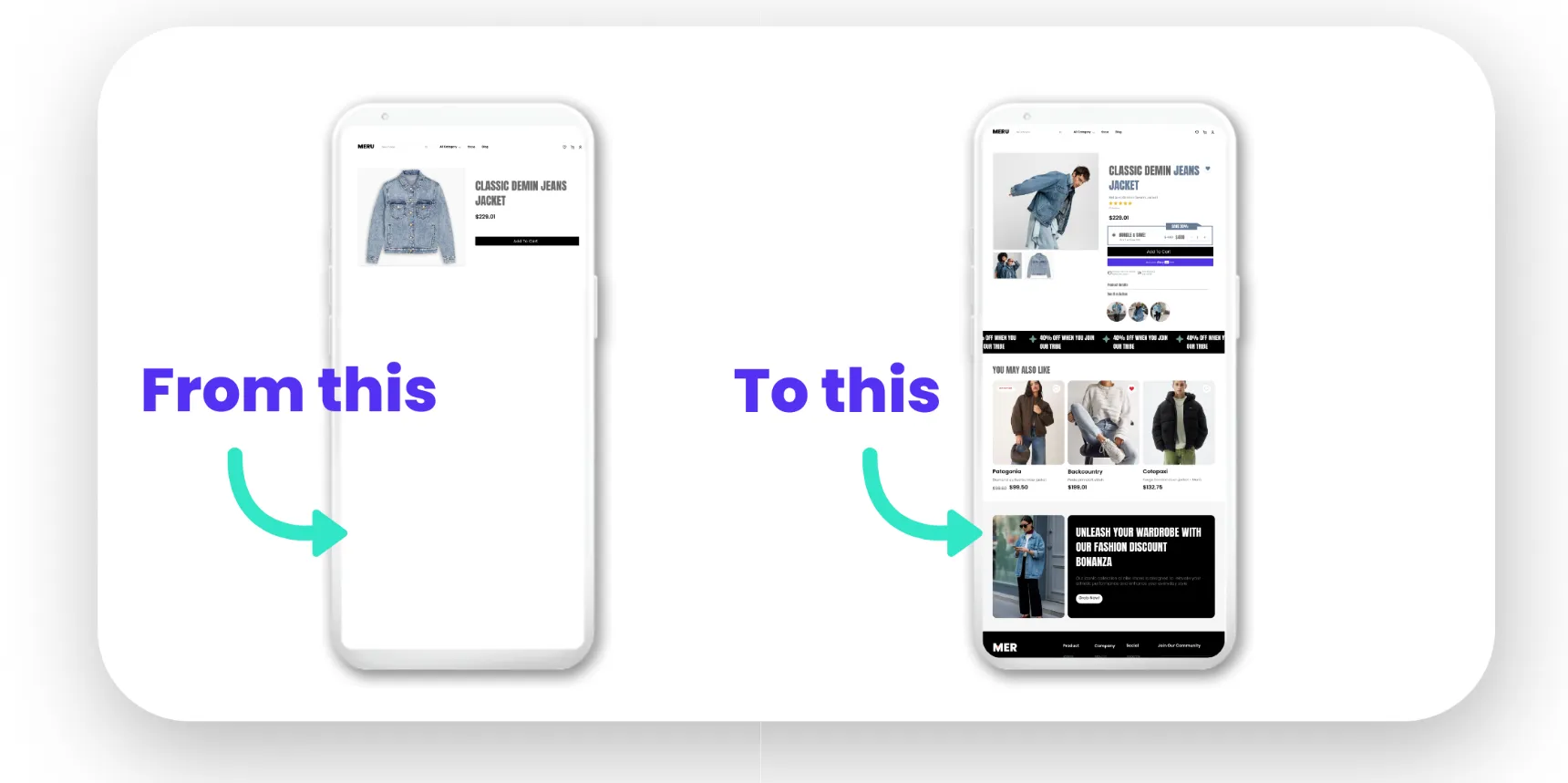
Many Shopify stores try to do too much on one page.
Pop ups, chat widgets, banners, sliders, and promotions often fight for attention. Each one increases cognitive load.
For paid traffic, less is more.
Audit your key landing pages and ask one question. Does this element help someone buy right now?
If not, remove it or move it elsewhere.
GET EXPERT HELP FOR ONLY $79 PER MONTH
Track What Matters, Not Everything
Data should guide decisions, not overwhelm them.
Focus on a small set of metrics that directly impact conversion rate:
- Page load time
- Bounce rate on landing pages
- Add to cart rate
- Checkout abandonment rate
- Mobile vs desktop performance
Use tools like Google Analytics, Shopify reports, and heatmaps to identify friction points.
Fix one issue at a time. Test changes. Measure results.
Why Website Maintenance Is the Fastest Way to Lift Conversion Rate
Many conversion issues do not require a redesign. They require maintenance.
Regular website maintenance keeps your Shopify store fast, secure, and aligned with how customers actually behave. It prevents small technical issues from turning into lost revenue.
Maintenance covers:
- Speed optimisation
- App and theme updates
- Broken links and errors
- Mobile usability checks
- Ongoing performance monitoring
For stores running Google Ads, maintenance protects your ad investment. It ensures paid traffic lands on pages built to convert today, not last year.
This is where a structured website maintenance approach makes a measurable difference.
Conversion Rate Optimisation Is Ongoing, Not One Off
Fixing a low Shopify conversion rate is not about chasing trends. It is about consistency.
Customer expectations change. Browsers update. Devices change. Ads evolve. Your store must keep up.
Stores that treat conversion rate as an ongoing process outperform those that react only when sales dip.
Regular reviews, small improvements, and disciplined maintenance deliver compounding gains over time.
GET EXPERT HELP FOR ONLY $79 PER MONTH
Fix the Foundations Before Spending More on Ads
If your Shopify conversion rate is low, spending more on Google Ads will not fix it. It will amplify the problem.
Start with speed. Clean up mobile experience. Simplify checkout. Strengthen trust. Align ads with landing pages. Maintain your site properly.
These fixes work fast because they remove friction rather than adding complexity.
A well maintained Shopify store converts better, costs less to run, and makes every ad click count.
Working with Digital Freak means having a proactive team focused on keeping your website fast, reliable, and built to convert. We look after the ongoing maintenance, performance, and technical details so your Shopify store supports your Google Ads investment instead of holding it back. The result is a site that runs smoothly, adapts as your business grows, and consistently turns traffic into sales. Get a free strategy call today!
FAQs
Is page speed really that important for Shopify stores?
Absolutely. Even small delays reduce trust and increase abandonment, especially for mobile users. Google Ads traffic is highly sensitive to speed because users arrive with intent and low patience. Digital Freak focuses on speed optimisation as a core conversion lever, removing unnecessary apps and scripts that slow your site. Book a free strategy call to assess your current speed.
Can I improve conversions without redesigning my Shopify site?
Yes. Many conversion problems come from performance, structure, and maintenance rather than design. Speed fixes, checkout improvements, content clarity, and trust signals often outperform visual changes. Digital Freak focuses on practical web maintenance that drives results without unnecessary rebuilds. Book a free strategy call to identify what actually needs fixing.
How do apps affect Shopify conversion rates?
Apps can help, but too many slow your site and clutter the user journey. Unused or overlapping apps often damage performance without adding value. Digital Freak audits your app stack and removes what no longer supports conversions. This improves speed, stability, and usability. Book a free strategy call to clean up your store safely.
How often should Shopify stores be maintained?
Ideally every month. Themes, apps, and browsers update constantly. Without maintenance, small issues grow into conversion problems. Regular checks prevent speed drops, errors, and broken features. Digital Freak offers structured website maintenance designed for stores running paid traffic. Book a free web maintenance strategy call to put a plan in place.

When clients work with me, they get exactly what they want - no-nonsense, authentic digital marketing that works! With my industry experience, eye for detail, and a team that goes the extra mile, every client gets the personalised, expert treatment they deserve. Let’s get you online – and growing!